IPTV for Smart TV: Apps, Setup and Troubleshooting
IPTV on a smart TV means installing an app directly on your Samsung, LG or Android television, entering your login, and streaming live channels over your internet connection — no cable box, no satellite dish, no extra hardware. On most sets the whole process takes under 15 minutes.
Last updated: August 13, 2026
Which IPTV app should you use?
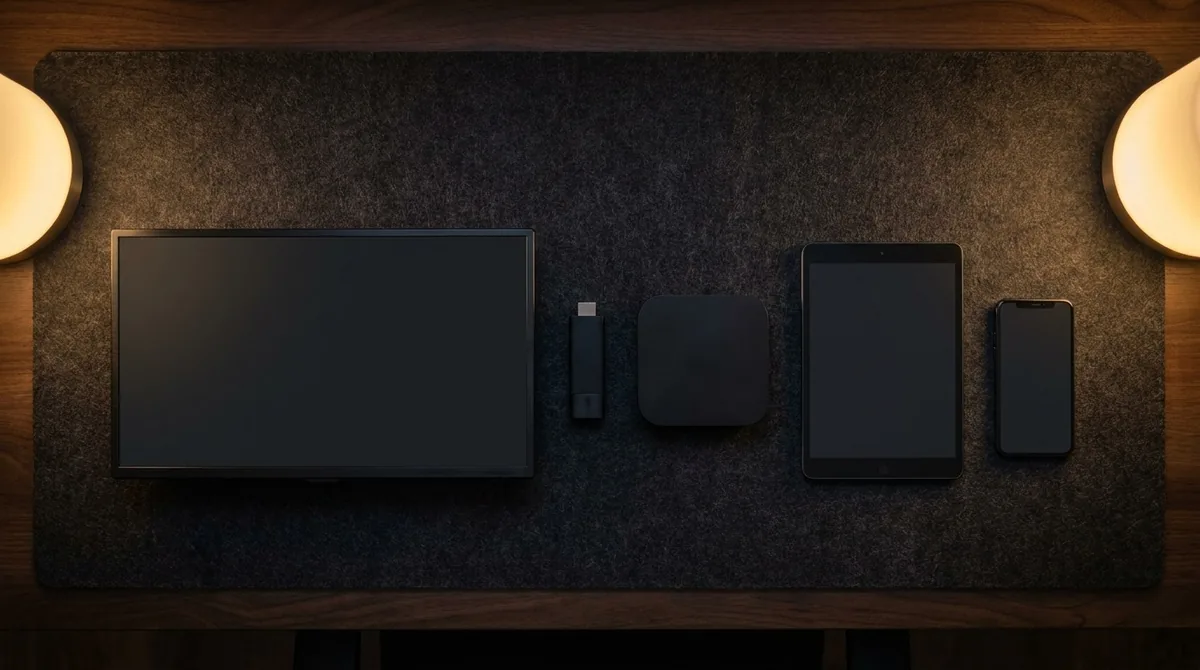
Your television decides which apps are available. Samsung runs Tizen and LG runs webOS, both of which use different apps than Android-based televisions.
| App | Operating system | Cost | Strength |
|---|---|---|---|
| Smart IPTV | Samsung Tizen, LG webOS | 7-day trial, then one-time fee | The standard choice for Samsung and LG |
| IPTV Smarters Pro | Android TV, Fire TV, iOS | Free | Strong program guide, multiple profiles |
| SS IPTV | Samsung, LG, Android | Free | Simple code-based setup, no MAC entry |
| TiviMate | Android TV, Fire TV | Free tier, paid premium | Best program guide, not available on Samsung or LG |
| Duplex IPTV | Samsung, LG, Android | One-time fee | Good fallback when Smart IPTV will not install |
App pricing is set by the app developers, not by us, and can change — check the current rate on each developer site. The app is separate from your IPTV subscription, which supplies the channels.
Installing IPTV on a Samsung smart TV
Samsung televisions from 2016 onward run Tizen. The usual route is the Smart IPTV app.
- Open the Samsung App Store on your television and search for Smart IPTV.
- Install and launch the app. Your MAC address appears on screen.
- On a phone or computer, open the app's activation page and enter that MAC address.
- Add the playlist URL you received by email after ordering.
- Restart the app on the television — the channel list loads automatically.
If the app does not appear in your store, the set is likely older than 2016. In that case a Fire TV Stick plugged into an HDMI port works just as well — the same IPTV subscription covers either route.
Installing IPTV on an LG smart TV
LG televisions running webOS 3.0 or later, roughly 2016 onward, support the same apps.
- Open the LG Content Store and search for Smart IPTV or SS IPTV.
- Install the app and note the MAC address it displays.
- Register that MAC address and your playlist URL on the app's activation page.
- Restart the app — your channels appear in the list.
Which smart TVs are compatible?
| Brand | Model year | Platform |
|---|---|---|
| Samsung | 2016 onward | Tizen |
| LG | 2016 onward | webOS 3.0+ |
| Sony Bravia | 2015 onward | Android TV / Google TV |
| Philips | 2015 onward | Android TV |
| Hisense / TCL | 2017 onward | Android TV / VIDAA |
| Older televisions | — | Add a Fire TV Stick or Android box |
What internet speed do you need?
These figures apply per simultaneous stream.
| Quality | Recommended speed |
|---|---|
| SD | 5 Mbps or more |
| HD (720p) | 10 Mbps or more |
| Full HD (1080p) | 15 Mbps or more |
| 4K UHD | 25 Mbps or more |
Why IPTV buffers on a smart TV
Buffering is rarely caused by the television itself. These four checks resolve most cases.
- Wi-Fi instead of ethernet. The most common cause by a wide margin.
- Full app cache. Clear it under Settings, then Apps, and restart.
- Too many simultaneous streams. Multiple devices split the available bandwidth.
- Evening congestion. Networks are busiest between 8pm and 11pm.
Setting up your channel list
After the first load, every channel appears in one long unsorted list. Spending five minutes organizing it saves time every day afterward.
Most apps let you mark channels as favorites and group them. A sensible structure is one group for sports, one for news and one for entertainment. Many apps also let you hide entire categories — removing international channels you will never watch noticeably shortens load times.
Using one subscription across several rooms
A standard plan is designed for one simultaneous stream. You can install the app on the living room television, a bedroom set and a phone, then switch between them, but only one plays at a time.
For genuinely parallel viewing — two televisions on different channels at once — you need a plan with additional connections. This matters most in households where sports and children's programming compete for the same evening slot. You can review connection limits on our IPTV subscription plans page.
Smart TV app versus a streaming stick
If you already own a recent television, it is worth asking whether a streaming stick adds anything. Both approaches work, but they suit different situations.
| Consideration | Built-in TV app | Streaming stick |
|---|---|---|
| App selection | Limited to the manufacturer store | Much wider |
| Speed | Depends on the age of the TV | Own processor, usually smoother |
| Updates | Often discontinued on older sets | Regular |
| Portable | No | Yes, works on any HDMI port |
| Extra cost | None | One-time purchase |
| Setup | Simpler | Slightly more involved |
A reasonable rule: televisions from 2020 onward generally run the built-in app well. On older sets, or where the interface already feels sluggish, a stick sidesteps the aging hardware entirely and delivers a noticeably better experience.
Managing storage on your television
Smart televisions allocate limited space to apps, and a full storage partition causes installations to fail and apps to launch slowly. This is a frequent cause of problems that look like streaming issues but are not.
Under the applications section of your TV settings you can see how much space each app occupies. Two actions free up room quickly: removing preinstalled apps you never open, and clearing the cache on the apps you keep. It is also worth keeping only one IPTV app installed rather than several from testing.
Picture quality settings that matter
Streaming quality depends on more than connection speed. A few television settings make a visible difference, particularly with live sports.
- Turn off motion smoothing. Often labelled Motion Interpolation or TruMotion, it creates artifacts during fast camera movement.
- Enable game or sports picture mode. These reduce processing delay.
- Check the HDMI input label if using a stick — some sets restrict bandwidth on inputs not labelled for 4K.
- Disable energy saving mode. It frequently dims the picture during bright scenes.
These adjustments cost nothing and often make a bigger visible difference than upgrading a plan.
Common setup mistakes and how to avoid them
Nearly all installation problems trace back to a handful of small errors rather than anything genuinely broken.
- Playlist URL copied incompletely. Typing it by hand almost always drops a character at the end. Copy it in full from the email.
- Wrong app for the television. TiviMate does not run on Samsung or LG sets. Tizen and webOS need Smart IPTV or SS IPTV.
- App not restarted after entering the playlist. The channel list only loads on restart.
- Activation left incomplete. Some apps require registering the MAC address on a separate web page before they will load anything.
- Testing on Wi-Fi at the far end of the house. Judge the stream from a realistic setup.
Keeping the channel guide accurate
The electronic program guide shows what is playing now and next. It loads from its own address, separate from the channel playlist, and is entered in the app settings.
The first retrieval takes a minute or two depending on how many channels are included. After that it refreshes automatically, usually once per day. If the guide stays blank, the cause is almost always that the guide URL was not saved or the app was not restarted after entering it.
A populated, accurate guide is also a reasonable proxy for how well a service is maintained. Empty or badly mismatched listings tend to indicate a provider that is not actively curating its channel list.
Frequently asked questions
The questions we hear most often about IPTV on a smart TV, answered plainly.
Do I need a set-top box for IPTV on a smart TV?
No. If your television can install apps, no additional hardware is required. Only older sets without an app store need a streaming stick or box.
What is a MAC address and where do I find it?
It is your television's network identifier. Apps such as Smart IPTV display it on first launch, and it also appears under Network or Device Information in the TV settings.
Why is my channel list not loading?
Usually the playlist URL was not saved completely, or the app activation has expired. Re-enter the URL in full and restart the app.
Does IPTV work without a smart TV?
Yes. The same subscription works through a Fire TV Stick, an Android box, a phone, a tablet or a computer.
Can I test it on my own television first?
Yes. A free 24-hour trial lets you check picture quality and compatibility on your own set before deciding.
How many televisions can use one subscription?
A standard plan supports one stream at a time across any number of installed devices. Additional connections can be added for simultaneous viewing.
Get IPTV for Smart TV — From $5.42/Month
Works on Samsung, LG, Sony & all Smart TVs · Free 24h trial
🚀 Get Started💬 WhatsApp