Cable Alternative: What You Actually Save by Cutting the Cord
A cable alternative delivers the same live channels over your existing internet instead of a coax line and a rented box. You install an app on a device you already own, sign in, and the channels load. No installer, no two-year contract, no equipment fee. A USAStreamNow plan runs month to month, so switching back costs nothing.
Last updated: August 23, 2026
What the average American actually pays for cable
Most people underestimate their own bill, because the advertised rate and the billed rate are two different numbers. The promotional price expires, equipment fees get added per room, and regional sports surcharges appear whether or not you watch sports.
Here is where a typical bill ends up once the introductory period ends:
| Line item | Typical monthly cost | What it is |
|---|---|---|
| Base TV package | $70–$95 | The advertised plan, after the promo rate expires |
| Set-top box rental | $8–$15 per TV | Charged per room, every month, forever |
| Broadcast TV fee | $20–$27 | Passed-through local station fees |
| Regional sports fee | $10–$15 | Applied whether or not you watch sports |
| DVR service | $10–$15 | Recording, charged separately from the box |
| Typical total | $118–$167 | $1,416–$2,004 a year |
None of these line items is unreasonable on its own. Together they explain why a plan advertised at $79 arrives as $150.
Cable versus a streaming alternative, line by line
Any cable alternative has to beat cable on the things people actually leave over, not on channel count. The comparison that matters isn't channel count, it's what you're locked into and what you pay after year one.
| Cable | IPTV | |
|---|---|---|
| Monthly cost | $118–$167 | From $5.42 on the annual plan |
| Contract | 12–24 months typical | None — prepaid period |
| Equipment | Rented box per TV | Device you already own |
| Installation | Appointment plus fee | App install, about 15 minutes |
| Price after year one | Rises when promo ends | Same rate you paid |
| Cancellation | Early termination fee | Stop renewing |
| Channels | Package-dependent | 30,000+ including on-demand |
The structural difference is the contract. Cable prices assume you will not leave, which is why the rate rises after the promotional window. A prepaid subscription has no such window.
What you keep, and what you genuinely give up
Honest version first: no cable alternative is free of trade-offs, and anyone who tells you otherwise is selling something.
What you keep
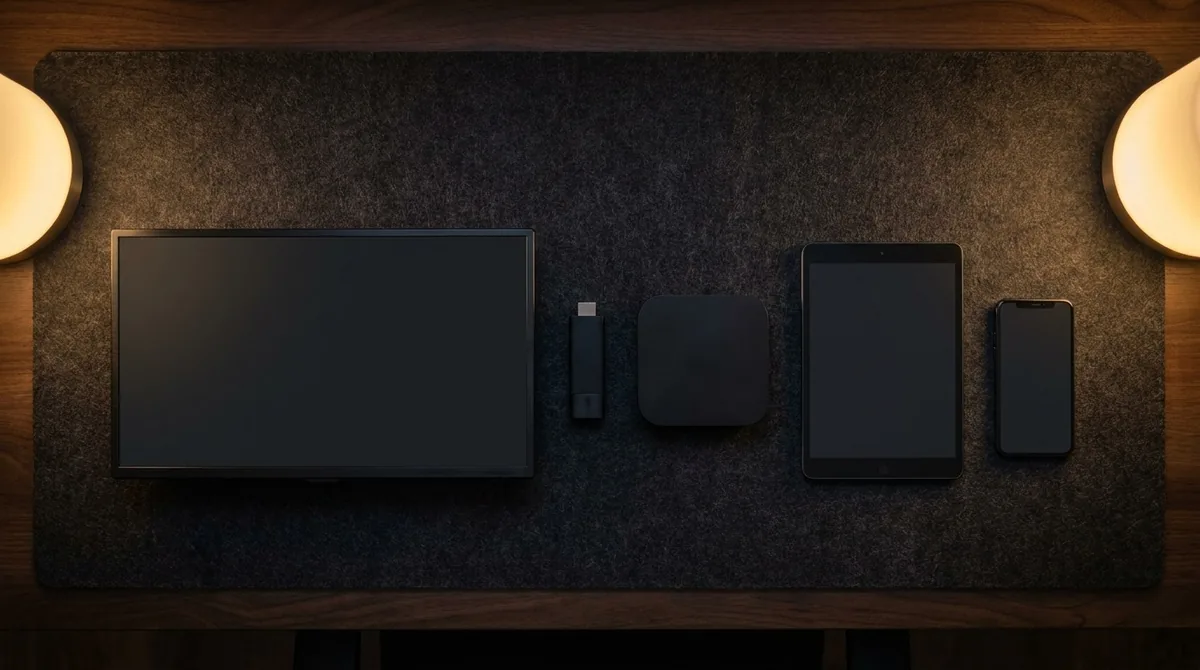
Live channels, including national networks and the sports channels most bills are really paying for. On-demand films and series. Multiple devices. Picture quality equal to or better than cable, because there's no compression applied at the headend to fit more channels down one pipe.
What changes
You need a reliable internet connection, which is the real dependency. You lose the cable company's phone support, replaced by whatever support your provider offers. And local channels work differently depending on your market, so if your priority is a specific local affiliate, check that before you cancel anything.
Do you have enough internet for it?
Every cable alternative runs over your broadband, so this is the question that decides whether cutting the cord works or turns into a weekly argument. Speed matters less than consistency at peak hours.
| Picture quality | Speed needed per stream | Works on |
|---|---|---|
| 4K UHD | ~25 Mbps sustained | Fiber and modern cable internet |
| 1080p HD | ~8 Mbps sustained | Almost any current connection |
| 720p | ~4 Mbps sustained | Older DSL, mobile hotspot |
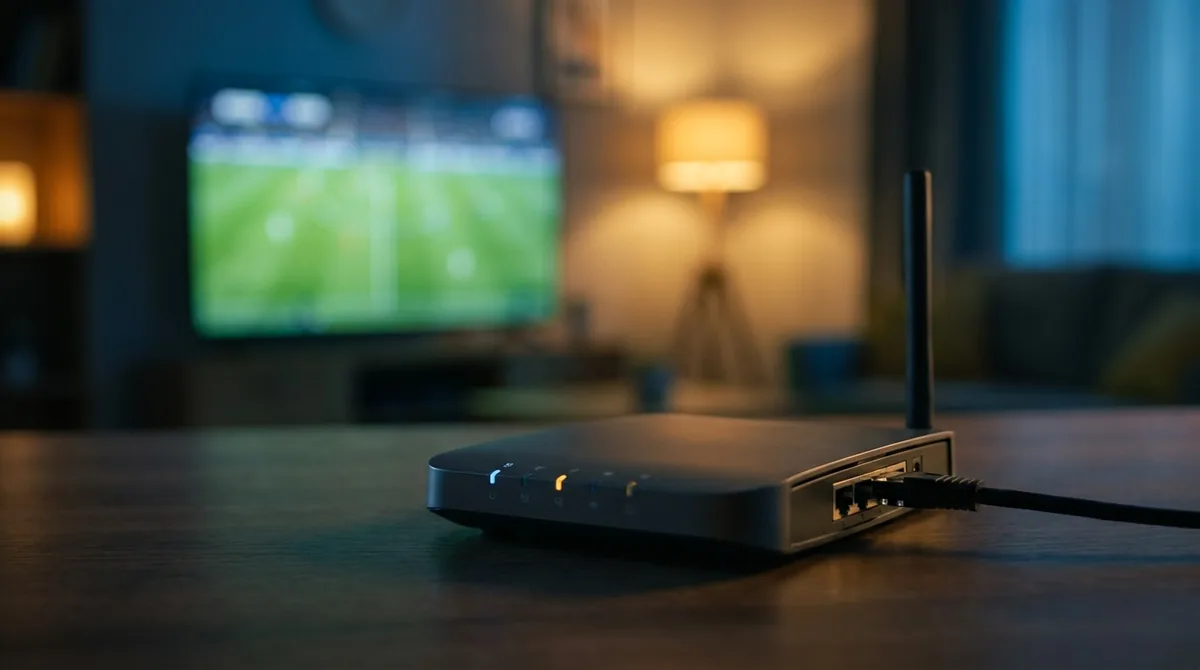
Run a speed test at 8pm on a weeknight, not at midday. Peak-hour congestion is what causes buffering, and it doesn't show up when your neighbours are at work. If two people watch different things simultaneously, double the figure in the second column.
How to switch without a gap in service
The mistake people make when moving to a cable alternative is cancelling first. Do it in this order and you're never without television.
1. Test before you cancel anything
Start a free trial while your cable is still running. Watch something live at peak time, on the actual TV you use. That tells you more than any comparison table, this one included. Set what you pay now against the current plans while both are still running.
2. Find your contract end date
Call your provider and ask for your early termination fee and contract end date. Mid-contract exit fees can exceed a year of the service you're switching to. If you're close to the end date, wait.
3. Set up the new service properly
Install on your main TV first. Device-specific walkthroughs are available for Firestick and Smart TV. Run an ethernet cable if the TV is anywhere near the router, because that single change prevents most streaming problems.
4. Cancel, and return the equipment
Get a cancellation confirmation number. Return every rented box and modem, and keep the return receipt. Unreturned-equipment charges are the most common surprise bill after cutting the cord.
Watching sports without cable
Sports is the reason most people keep cable, and it's the part worth checking carefully before you switch. Football coverage in particular is split across several broadcasters, which is why a single traditional package never covered everything anyway.
There are dedicated breakdowns for watching the NFL and for getting ESPN without a cable subscription, both of which go game-by-game rather than making general claims.
What happens to your DVR recordings
Nobody warns you about this one. Anything recorded to a cable DVR lives on the box, and the box goes back when you cancel. Those recordings are gone, permanently, and there is no export option.
If there is anything on there you actually care about, deal with it before you call to cancel. Some DVRs have an output you can record from, though the quality is poor and it takes real time. For most people the honest answer is that the recordings weren't that important, but it's worth ten minutes looking through them rather than finding out afterwards.
Going forward, on-demand libraries replace most of what people used a DVR for. What they don't replace is recording a live event to watch later, so if that's a habit of yours, it's a genuine change.
The mistakes that cost people money
Four things go wrong often enough to be worth naming, and every one of them is avoidable if you know about it in advance.
Cancelling before testing
The order matters. Test first, cancel second. Reversing that leaves you with no television and a reconnection fee if you change your mind.
Forgetting the equipment return
Unreturned boxes are billed at full replacement value, which runs into the hundreds. Return everything, get a receipt, and keep it for six months. This is the most common surprise bill after cutting the cord.
Not asking what internet-only costs
Dropping the TV portion of a bundle sometimes raises the standalone internet price, which eats into the saving. Ask for the internet-only rate before you decide, not after.
Relying on Wi-Fi for the main TV
Most complaints about streaming quality are actually Wi-Fi complaints. A six-dollar ethernet cable between the router and the main television prevents the overwhelming majority of them.
What a cable alternative costs
An IPTV subscription runs $15 for one month, $50 for six, or $65 for a year, which works out at $5.42 a month on the annual plan. Compare that to a cable bill in the $120 to $180 range and the annual difference is somewhere between $1,300 and $2,100.
There's no equipment fee because you use hardware you already own, no installation charge because there's no installer, and no minimum term because you've already paid for the period you selected.
Frequently asked questions
The questions below come up constantly whenever anyone starts looking at a cable alternative seriously, and most of them have answers that providers tend to skate over.
Is a cable alternative legal to use?
Streaming services that license their content operate legally. The responsibility for content licensing sits with the provider, not the viewer. If you're unsure about any service, ask them directly what they're licensed to carry.
Will I lose my local channels?
It depends on your market. Many local affiliates are carried, but coverage varies by region. Check your specific channels during a free trial before cancelling cable, not after.
How many TVs can I use at once?
One connection covers one stream at a time. If two people need to watch different things simultaneously, you need a plan with additional connections. This matters most in households where sports and children's programming compete for the same evening.
What happens if my internet goes down?
You lose television, the same way you'd lose it if a cable line was cut. The difference is that most homes now depend on that connection for work and everything else anyway, so it's rarely the only thing affected.
Can I keep my cable internet and drop just the TV?
Yes, and this is what most people do. Internet and TV are billed as separate services even when bundled. Dropping the TV portion sometimes raises the standalone internet rate, so ask what internet-only costs before you decide.
How long does switching take?
Setup on your first device takes about fifteen minutes. The cancellation call takes longer, mostly because of the retention offers.
Try it before you cancel anything
Watch a live channel at peak time on your own TV, with no card required, and see whether it holds up before you make any decision about cable.
See Plans & Pricing Free IPTV Test